Glove tap
Place your phone flat on a stable surface. Gently tap the body or case with your glove to pause or resume. Never punch the phone.
Get help →Your timer should wait when you do. Pause without taking your gloves off, then continue the same round with the same time remaining.
No account. No ads. Your training, your pace.
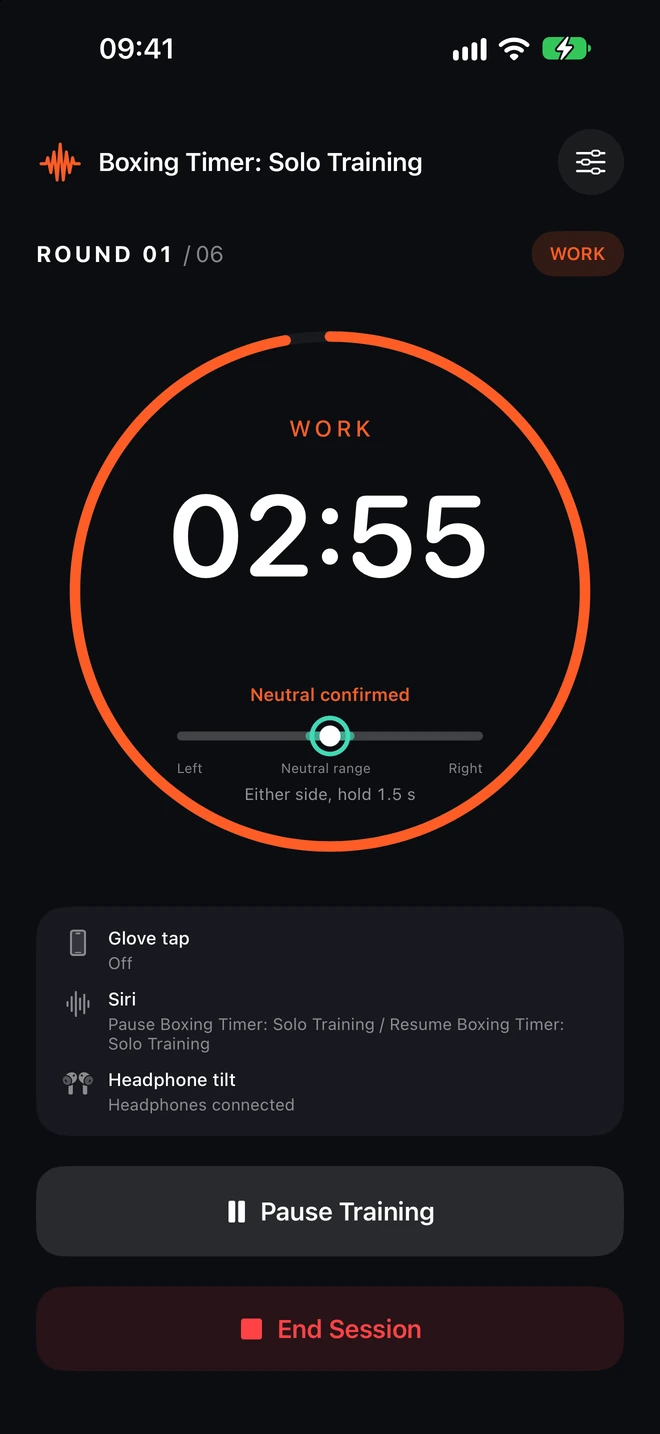
A large countdown and headphone feedback share one screen. Follow your plan, and keep your place when you pause.
See the round countdown, tilt progress and return-to-center guidance.
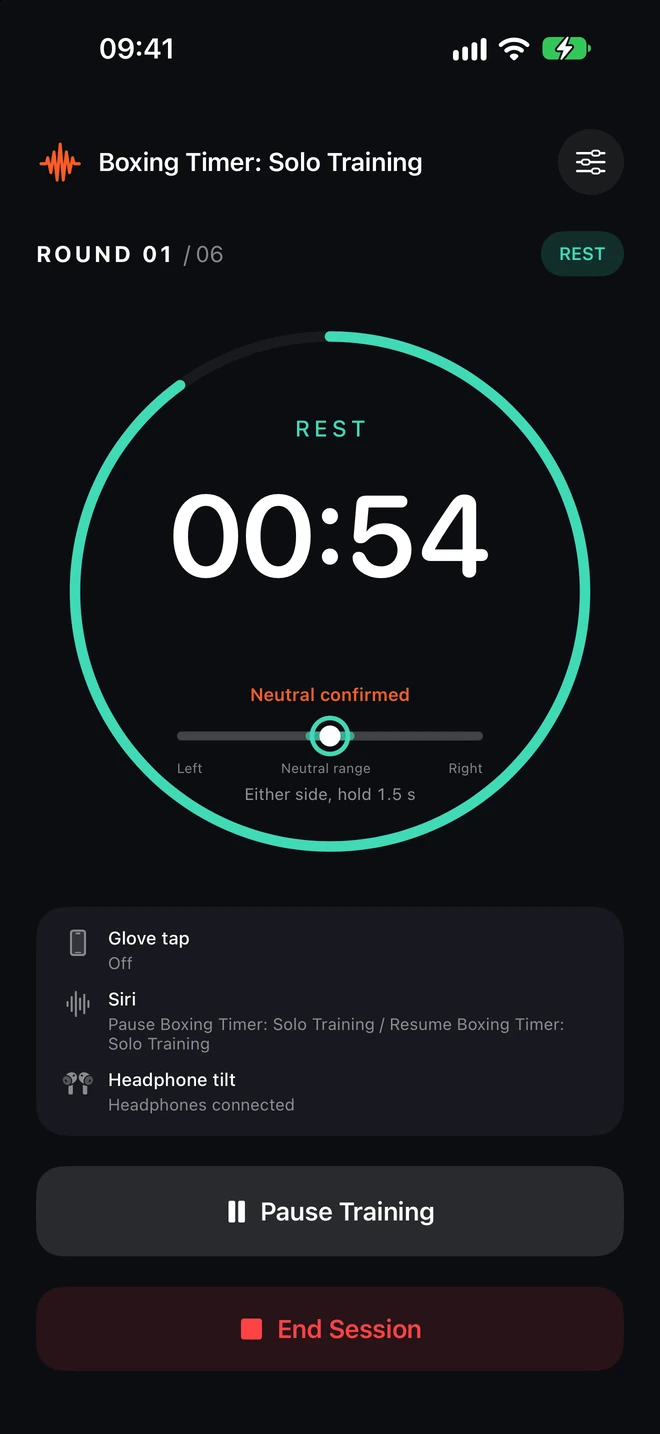
Training and rest switch automatically, with spoken cues to keep you on track.
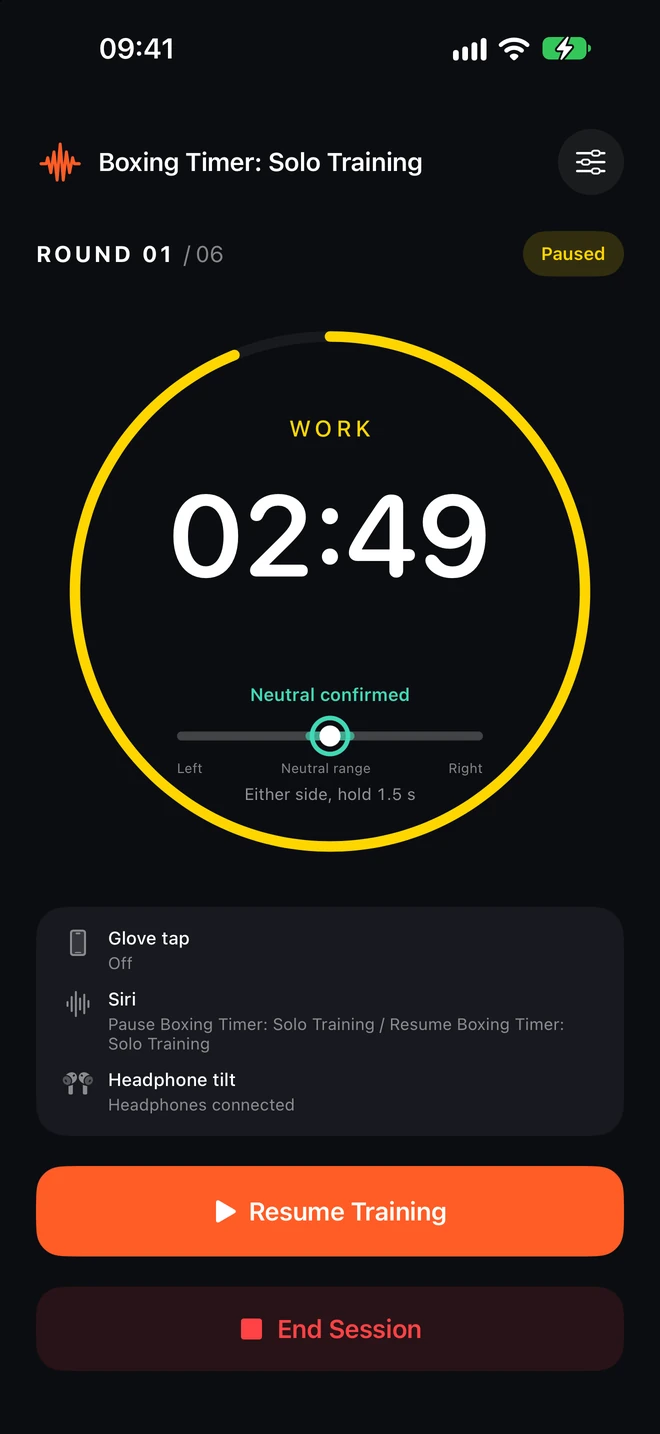
Keep the current round and remaining time. Continue when you are ready.
These are native screenshots of the current App. Headphone connection and motion states are simulated for illustration. Actual use requires compatible headphones and completed adaptation.
After adapting compatible headphones, tilt left or right and hold for your configured duration to pause or resume. The training screen shows gesture progress and center status.
Connect motion-capable headphones, then complete compatibility checks and adaptation in Settings.
Hold the tilt for your configured duration. Follow the progress indicator until the command is accepted.
Bring the indicator into the center range and hold. Wait for center confirmation before tilting again.
Adjust a glove or take a moment to reset. Pausing preserves the phase, current round and remaining time. An optional preparation countdown gives you time to get back into position before the original timer continues.
Read the guide →Pro · trial or purchase required
Place your phone flat on a stable surface. Gently tap the body or case with your glove to pause or resume. Never punch the phone.
Get help →Enable Siri controls and finish the required system setup. Ask Siri to pause or resume while the training app remains on screen.
Get help →After adapting compatible headphones, tilt left or right and hold for your configured duration to pause or resume. The training screen shows gesture progress and center status.
Get help →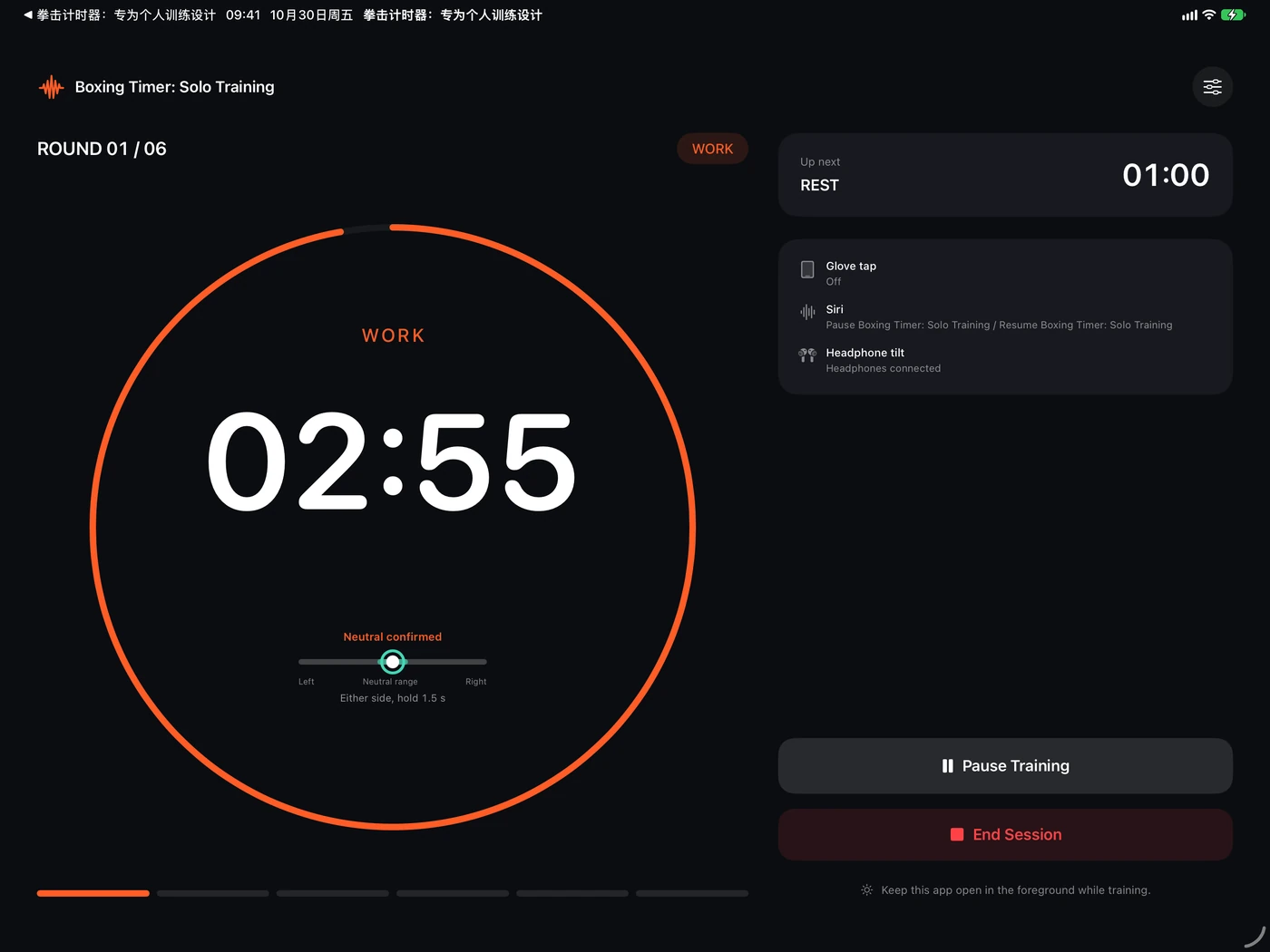
Organize heavy-bag practice into work and rest rounds, with audible cues for transitions.
Keep your eyes on movement rather than the countdown. Use spoken cues to follow the session.
Set the length and number of rounds to match the striking practice you have planned.
Use a configurable round timer for your own MMA drills. The app times the session; you choose the content.
Basic timing and on-screen controls are free. A new installation includes one full session to try the three Pro controls. Unlock Pro with a one-time purchase afterward; there is no auto-renewing subscription.
Clear answers about timing, controls and purchases.
Keep Boxing Timer on screen during training. Locking your device or moving the app to the background pauses the session and saves progress. Return to the app to continue. Music from another app can play in the background while Boxing Timer stays in the foreground.
Headphone tilt is experimental and requires compatible headphones that expose motion data to iOS. A Bluetooth audio connection by itself does not establish compatibility. Use the app's compatibility check, complete the adaptation process and verify recognition before training. If the check or recognition fails, use another control.
Basic round timing and on-screen controls are free. A new installation includes one full session to try Pro controls, shared by glove tap, Siri and compatible-headphone tilt. After that, Pro is a one-time purchase with no auto-renewing subscription. Check the price shown in the app for your region.
The app is preparing for its public App Store release. Its product page may not be available until release, and availability depends on your Apple Account region. This website does not distribute installation profiles or unofficial iOS packages.
For iPhone and iPad. Basic round timing is free; Pro controls are a one-time purchase.
Not publicly released yet. The App Store page will become available after release; availability varies by region.
 App Store ↗